Coming soon
AI automatic event detection
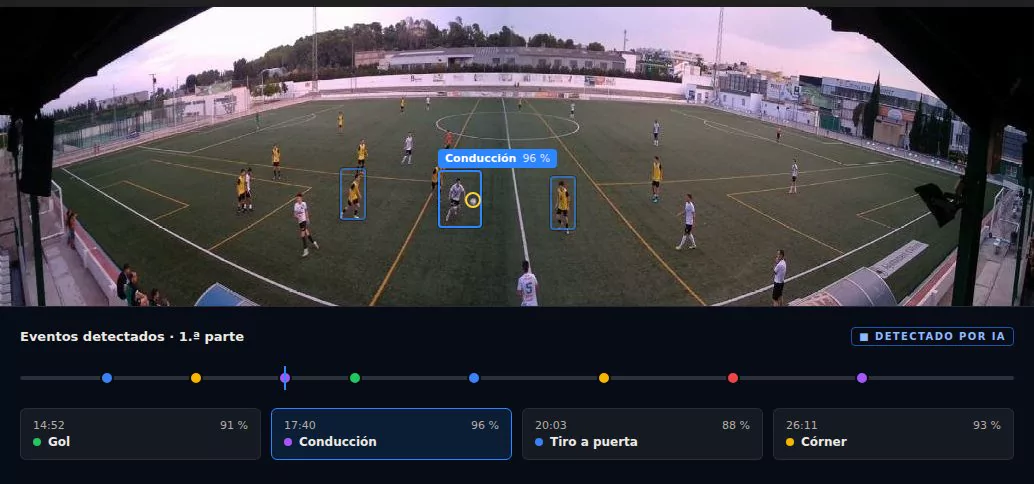
Identifying match actions to speed up clip creation.
For clubs, players and coaches
Wizard brings matches, clips, sporting profiles and competition information together in a single platform. Record with Wizcam, analyse the game and find the information you need to work with your teams or follow a player.
Get to know Wizard with a demo tailored to your needs, with no obligation.
Wizcam and kit
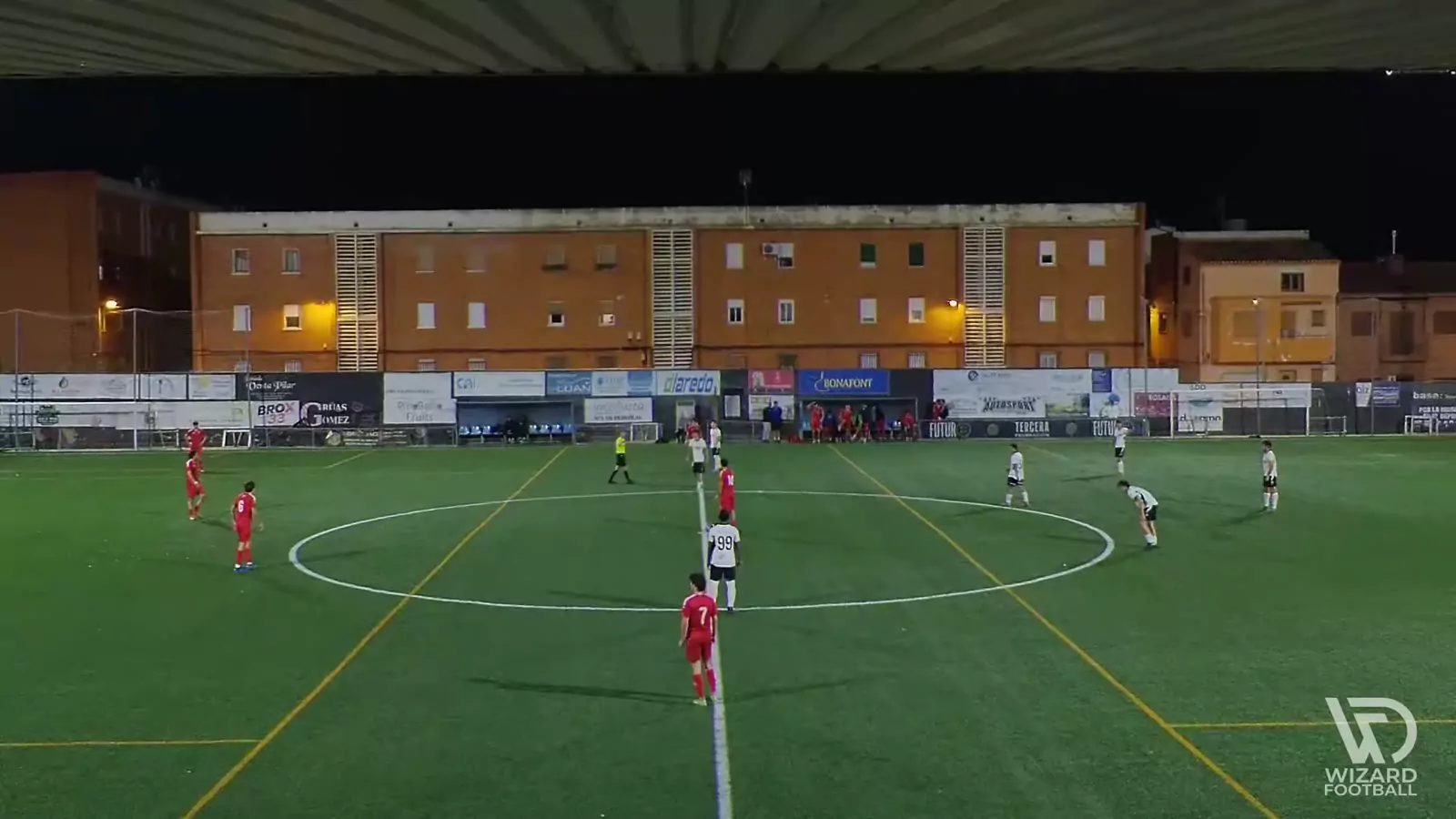
Wizcam captures the pitch in panoramic view and is controlled from the app. Set up the camera, check the framing and record the match, then work with the video on the platform.
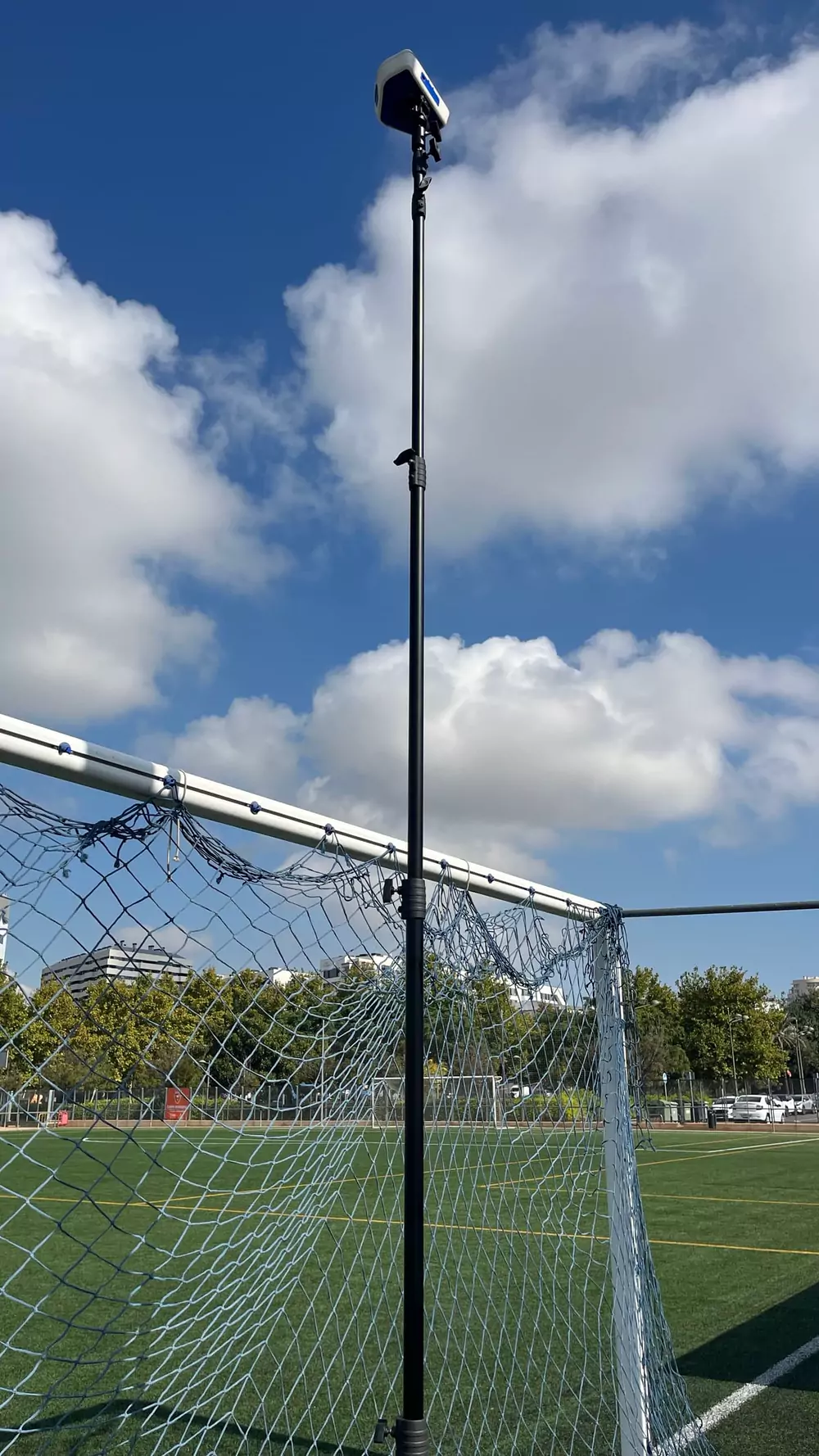
Wizcam at the pitchMounted at the top of its telescopic tripod, behind the goal, with a view of the pitch.
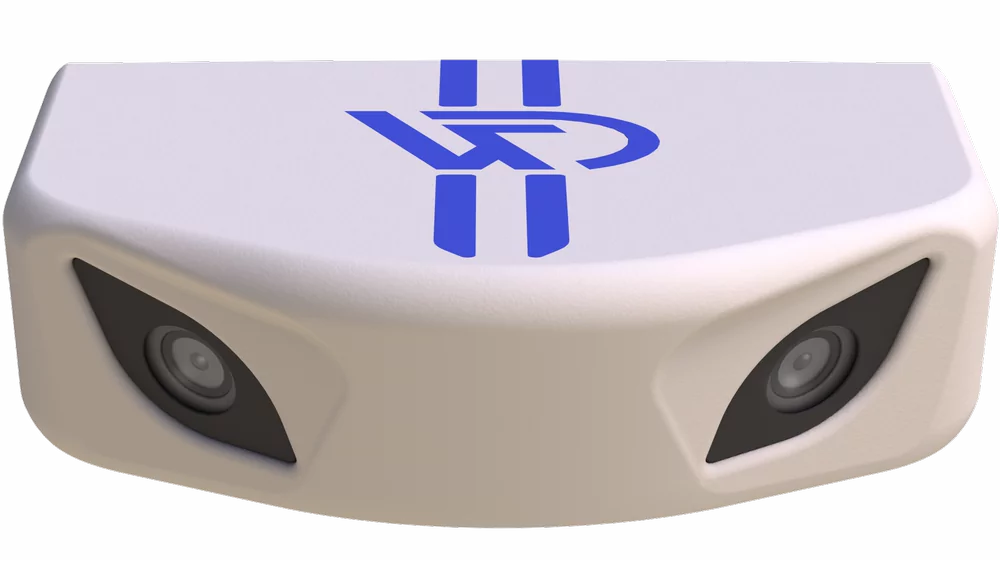
Dual-camera device for panoramic match recording.
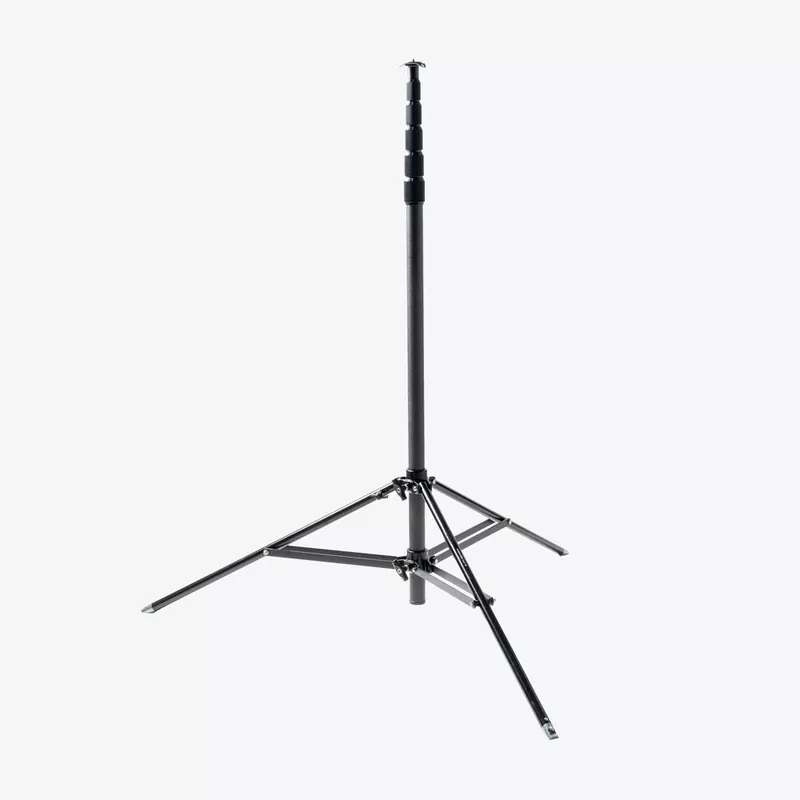
Telescopic tripod to place the camera in a raised position with a view of the pitch.
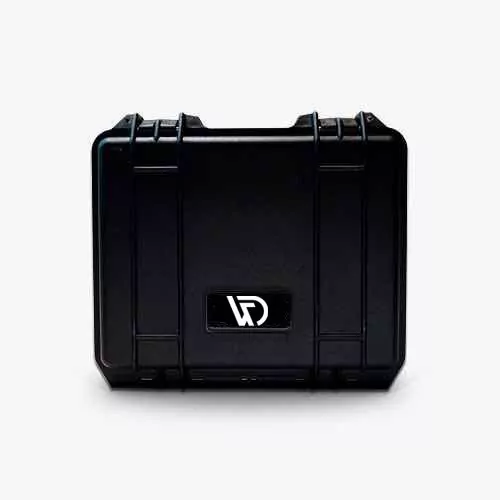
Rigid case to store and carry the camera.
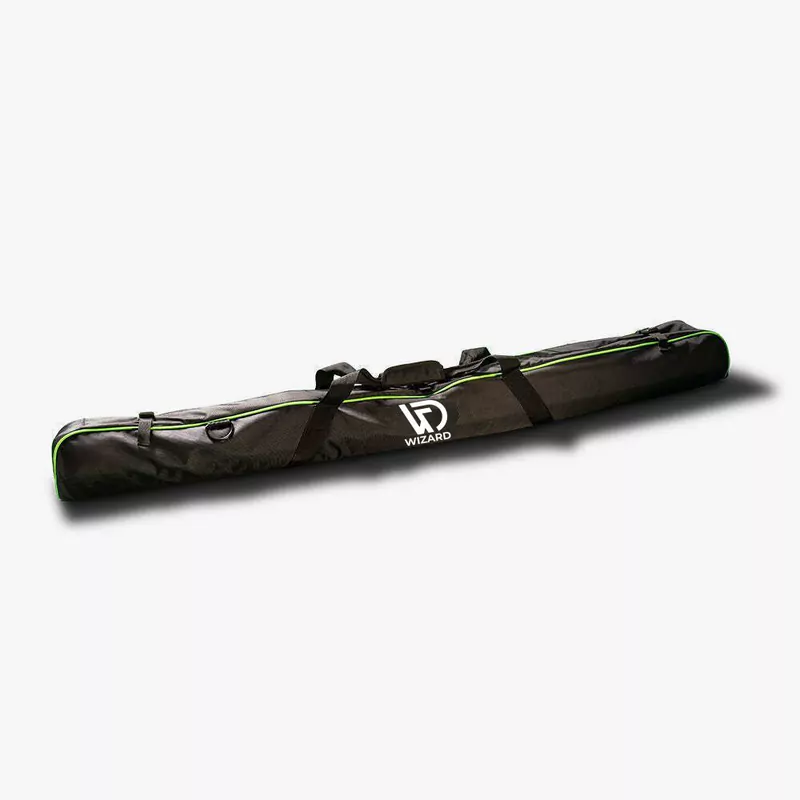
Bag to protect the tripod when travelling.
Mounting adapter, charger and network cable to assemble the kit and upload recordings.
See the set-up, recording and upload guides, and contact the Wizard team if you need help.
Request information about Wizcam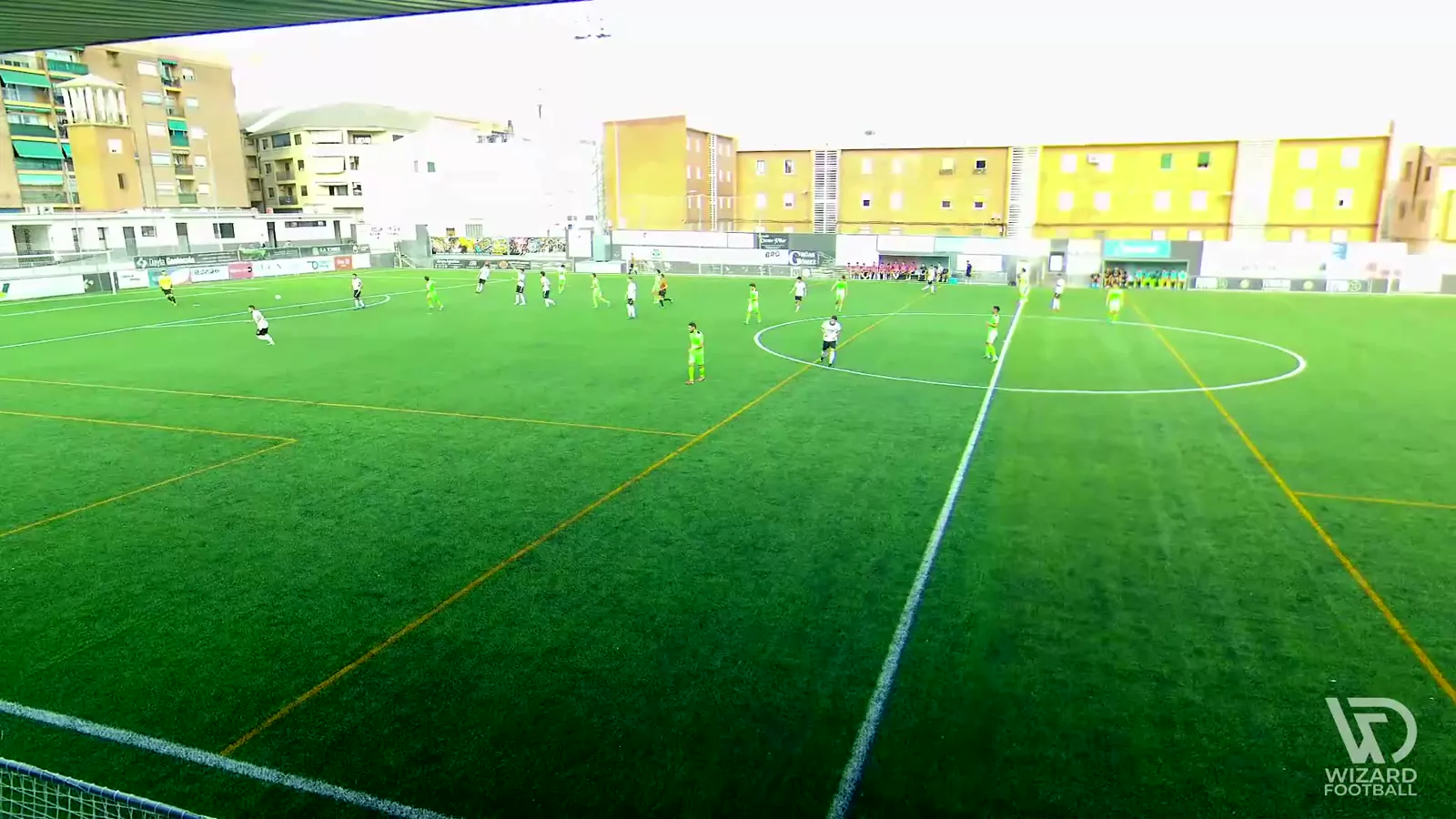
Every match provides footage and information to train, assess and learn. Wizard connects that content with teams, players and coaches so you can review an action, prepare an analysis or get to know a sporting profile better.
Review the match, select the relevant actions and prepare clips to work on individual and team performance.
Check the available profiles, matches and statistics to follow players with more context.
Who it's for
Organise teams, squads, recordings and fixtures in one place. Make it easier for the coaching staff to find the content they need and follow the sporting activity of each team.
Review your matches and the clips linked to your profile. Check your available statistics and bring together sporting information that helps others get to know your game.
Analyse actions, prepare clips and draw on the video to explain tactical situations. Back up your instructions with examples from the match itself.
How it works
Position Wizcam, connect your phone to the camera from the app and check the framing before you start recording. Panoramic capture records the pitch without anyone having to follow every play with the camera.
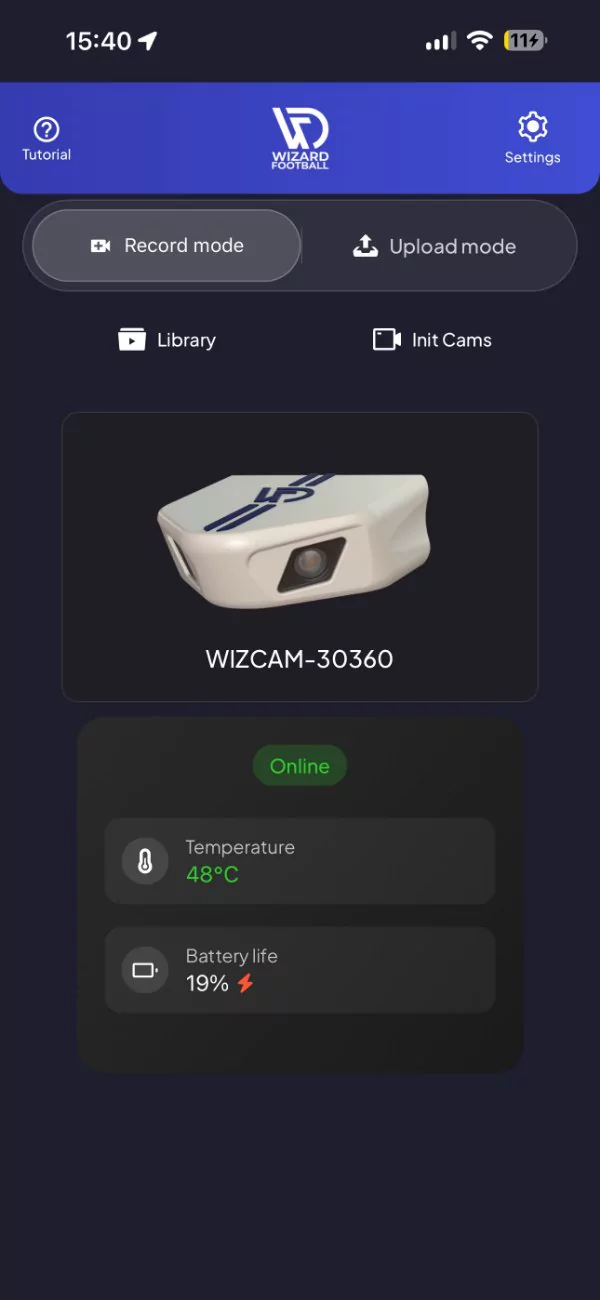
The Wizard mobile app in record mode, with Wizcam connected.Connect Wizcam to the internet and select the recording in the app. Once the upload and processing are complete, the video is available on the platform.
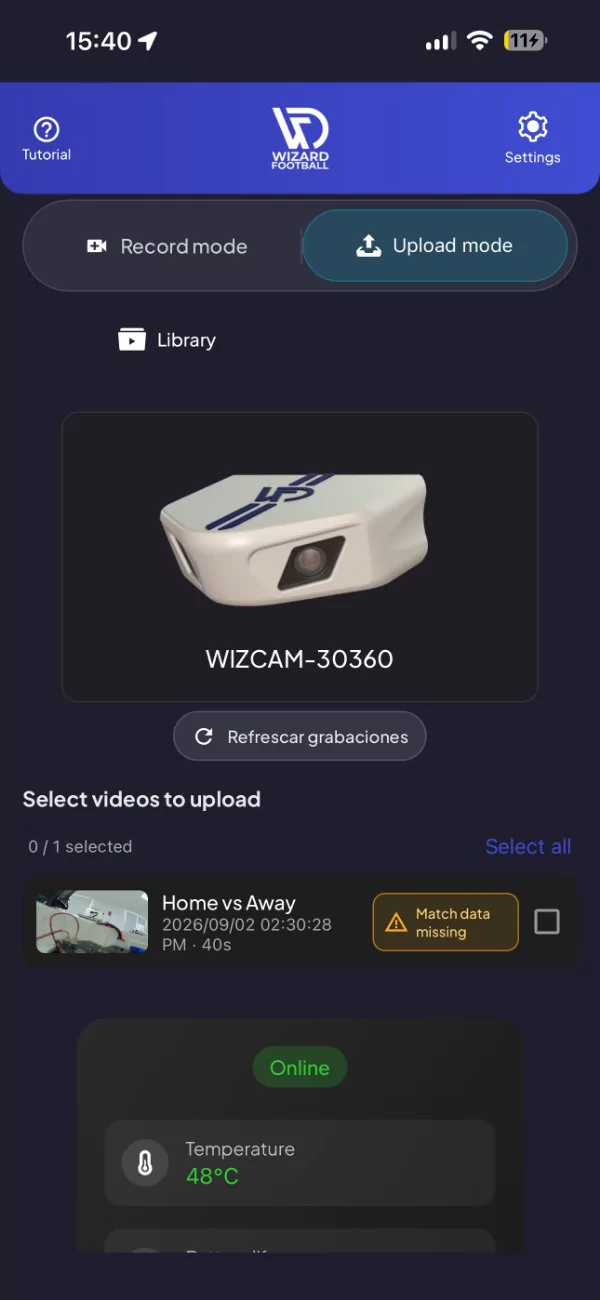
The Wizard mobile app in upload mode, with the recording ready to select.Review the match, create clips and classify the actions you are interested in. You can link a clip to a player or keep it as club content.
Frame from a match in the Wizard editor, with a circle and an arrow drawn over the play and the panel to classify the clip by action type and specific action.Connect the video with information on teams, players and competitions. Use that material for coaching work, following players or presenting a profile.
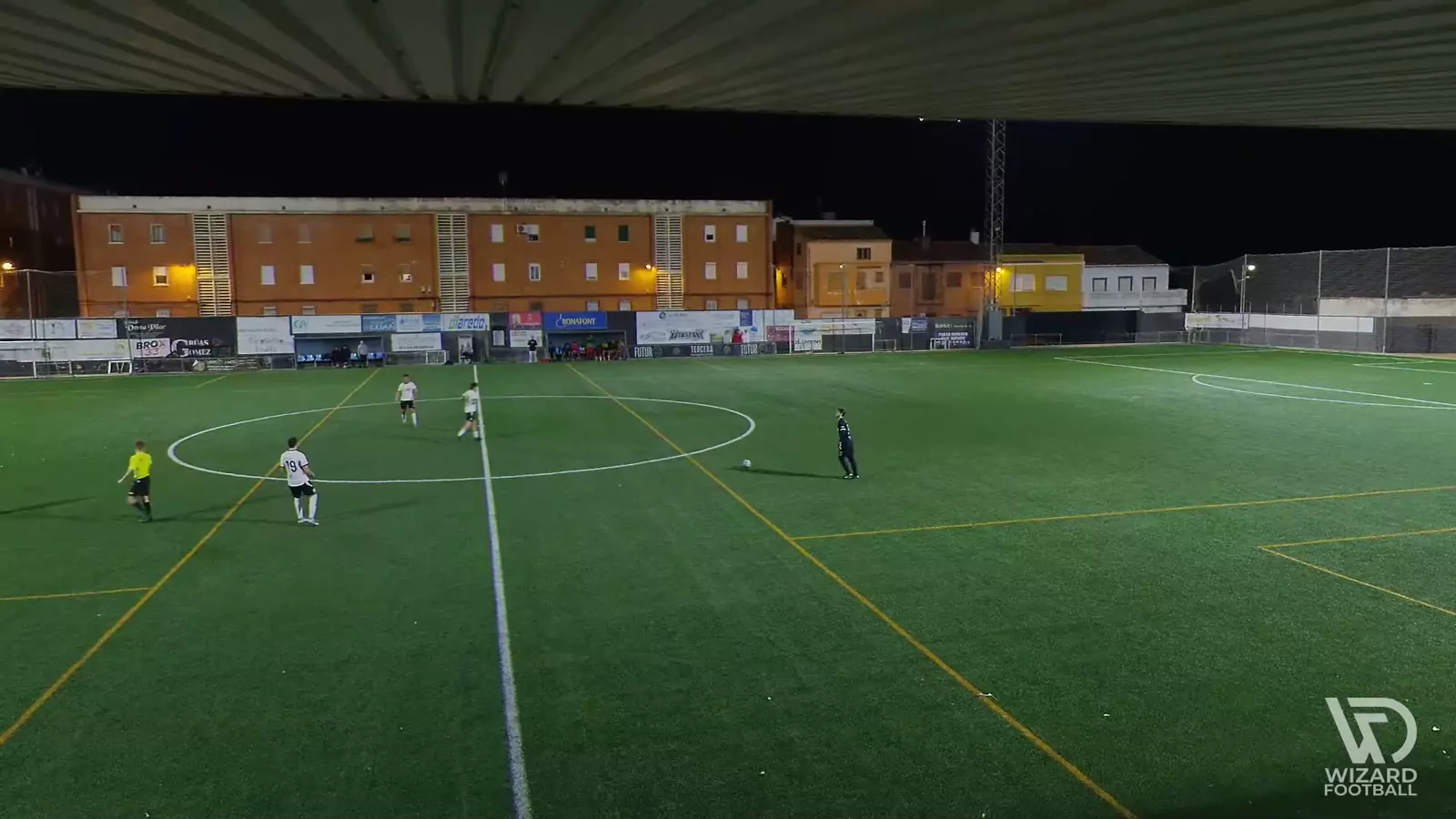
Close-up of a match frame recorded with Wizcam, with one player highlighted for illustration.Wizcam photos and real platform and app screenshots, with sample names and data.
The value of the whole
A clip can be used to explain a decision to a player, prepare a session for the coaching staff or study a performance. Wizard brings together the tools and the context to use that content in your sporting work.
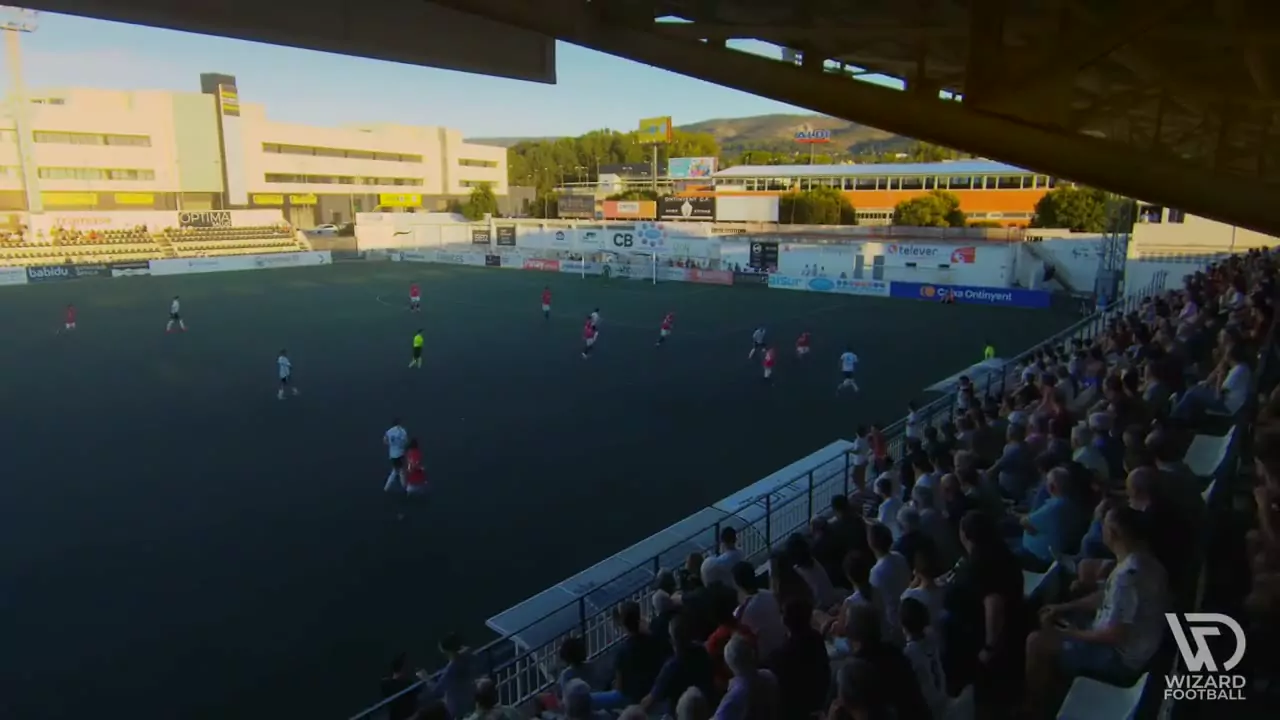
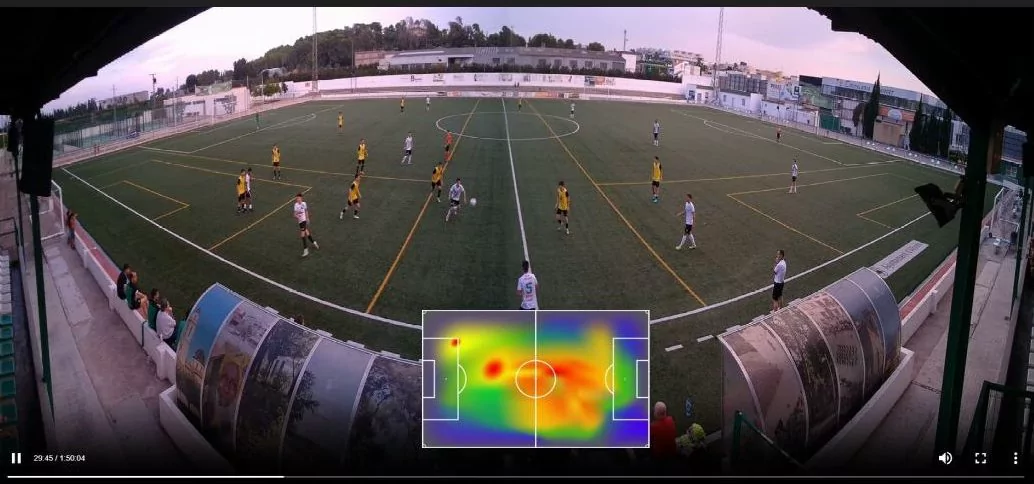
Real footage of a match recorded with Wizcam.
Platform
Find recordings, profiles and competition data in one place. Wizard helps you move from an overview of the team to the detail of a single play or player.
Video analysisWizard Editor
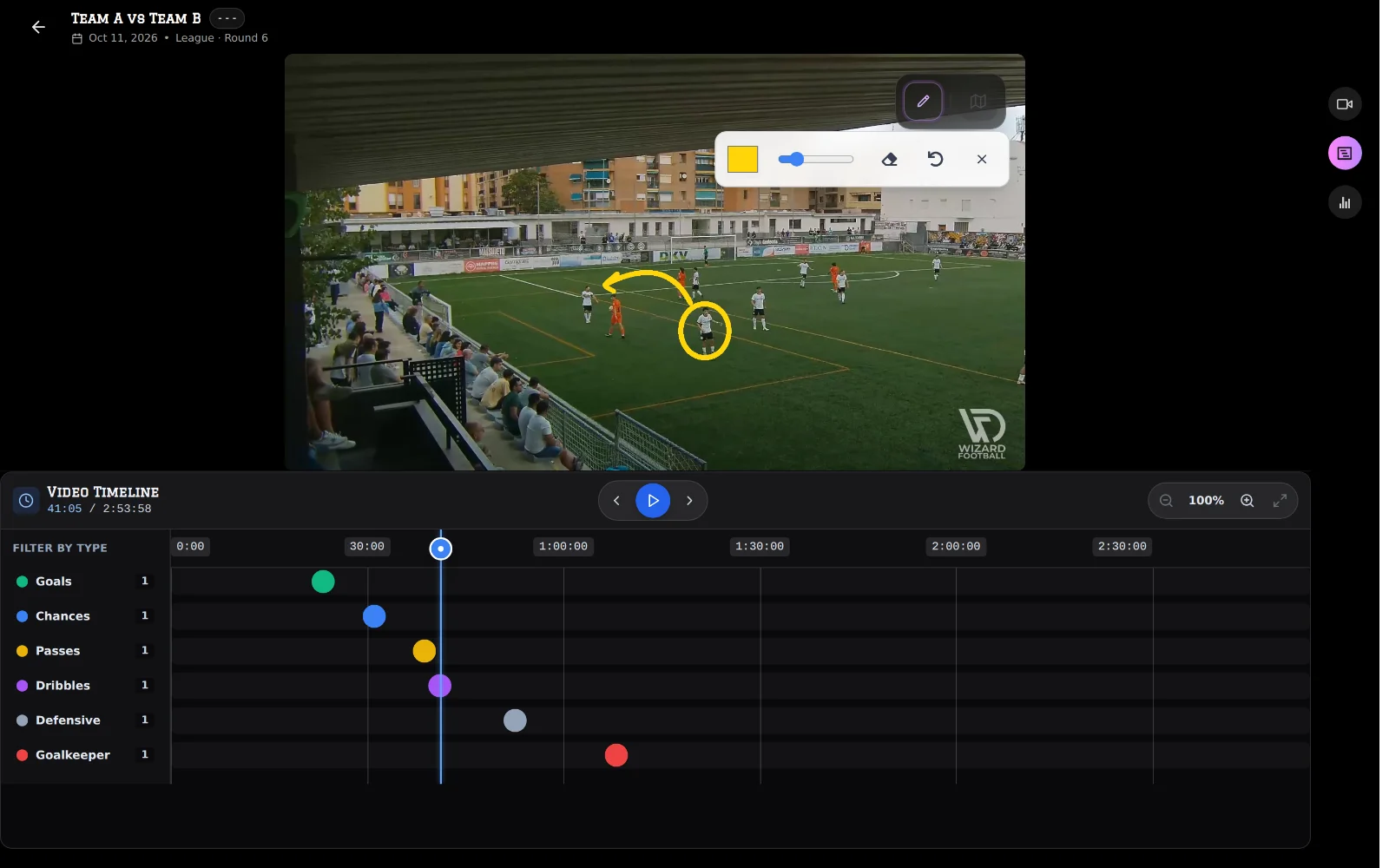
Review the match in panoramic or interactive view, adjust the playback speed and find the actions you want to study. Create clips and draw on the image to prepare a clear, useful analysis.
Interactive view
Drag the video to look at any area of the pitch and zoom in or out with the wheel or by pinching. Switch to the panoramic view from the top bar.
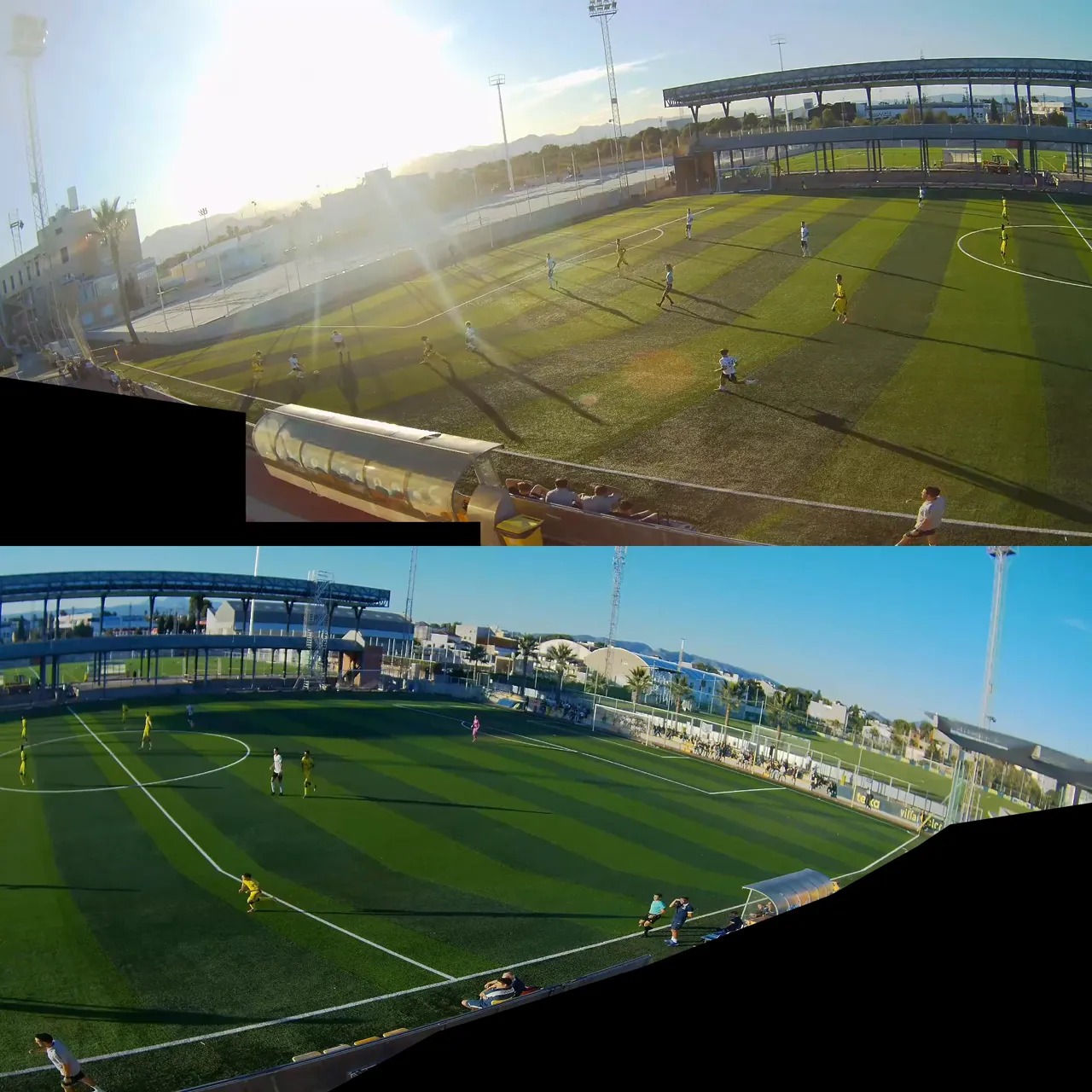
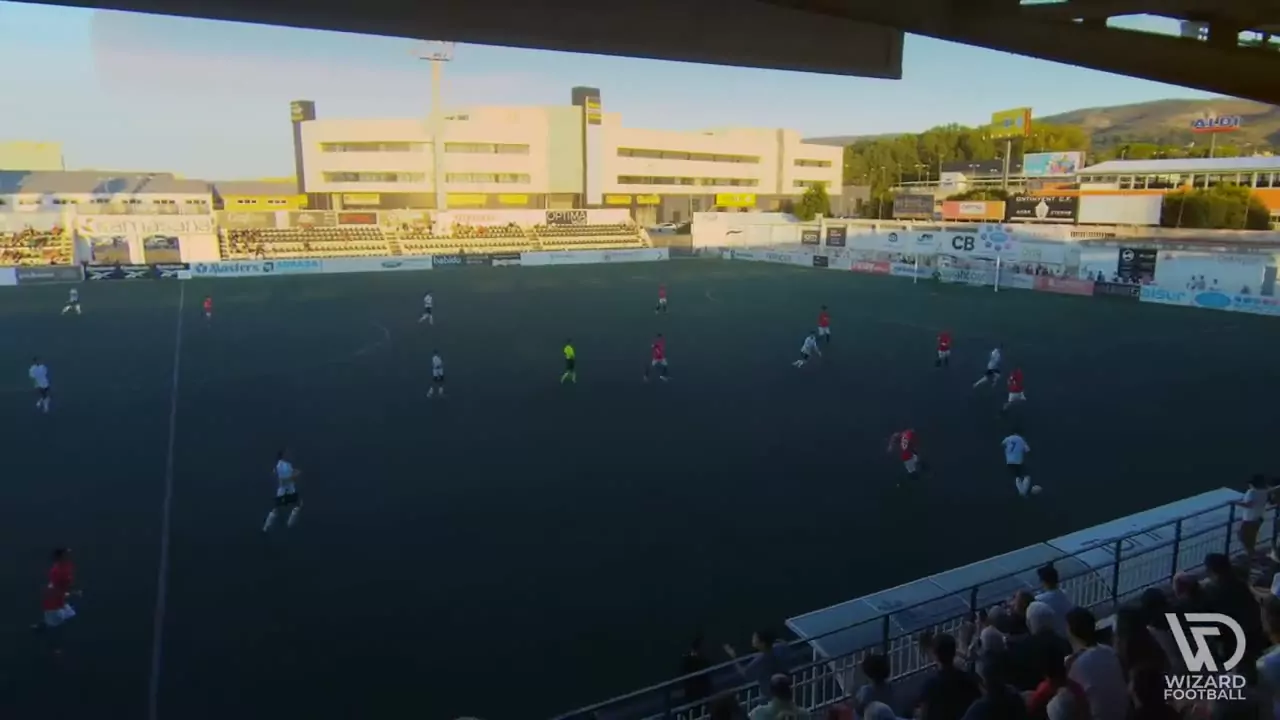
Real clip from a Wizcam recording with its two lenses.
Player profiles
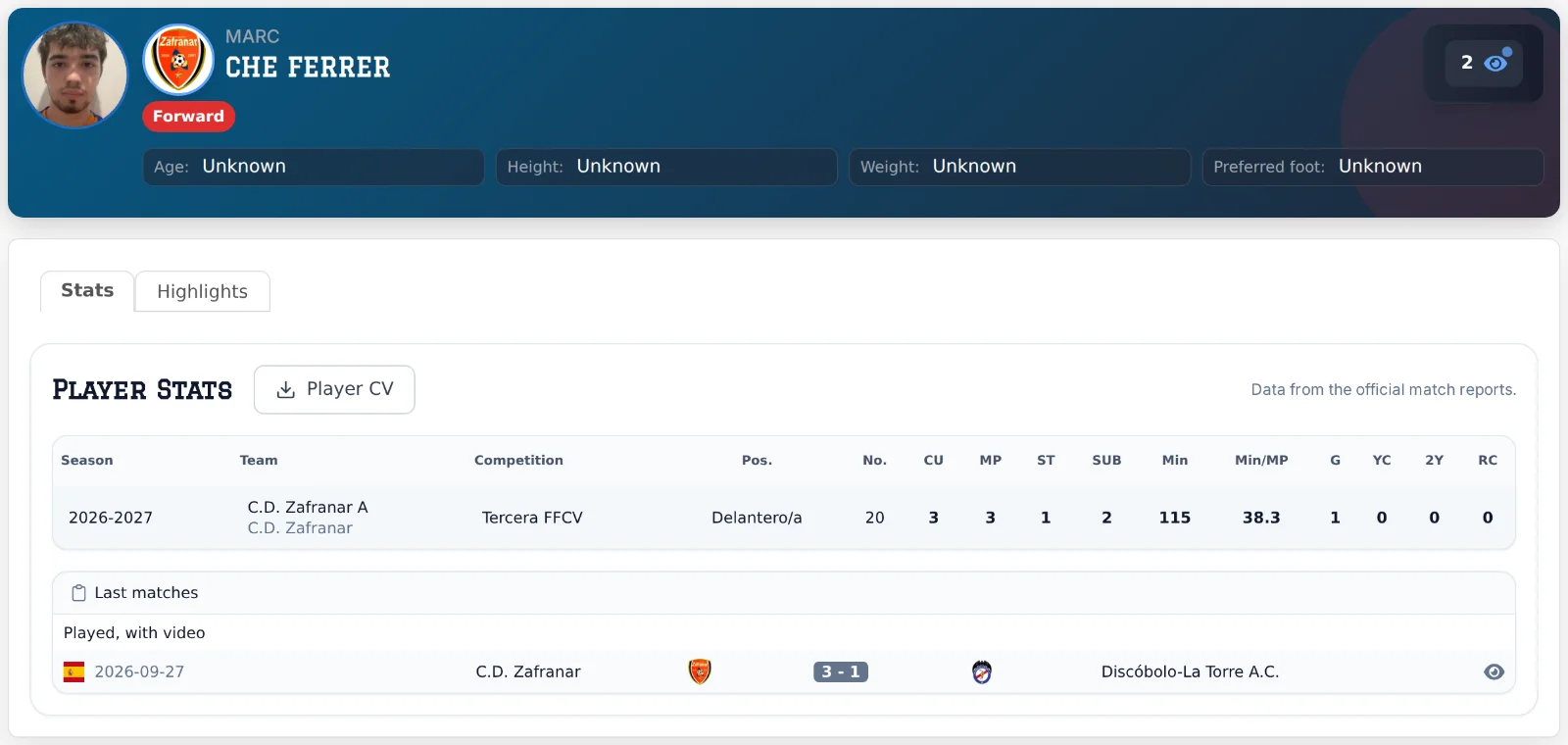
View the player's sporting information, their matches with video, linked clips and the statistics from the available official match reports. A starting point for reviewing performances and understanding their involvement in the competition.
Talent search
The information shown depends on the data available and the access conditions.
Discover the search tools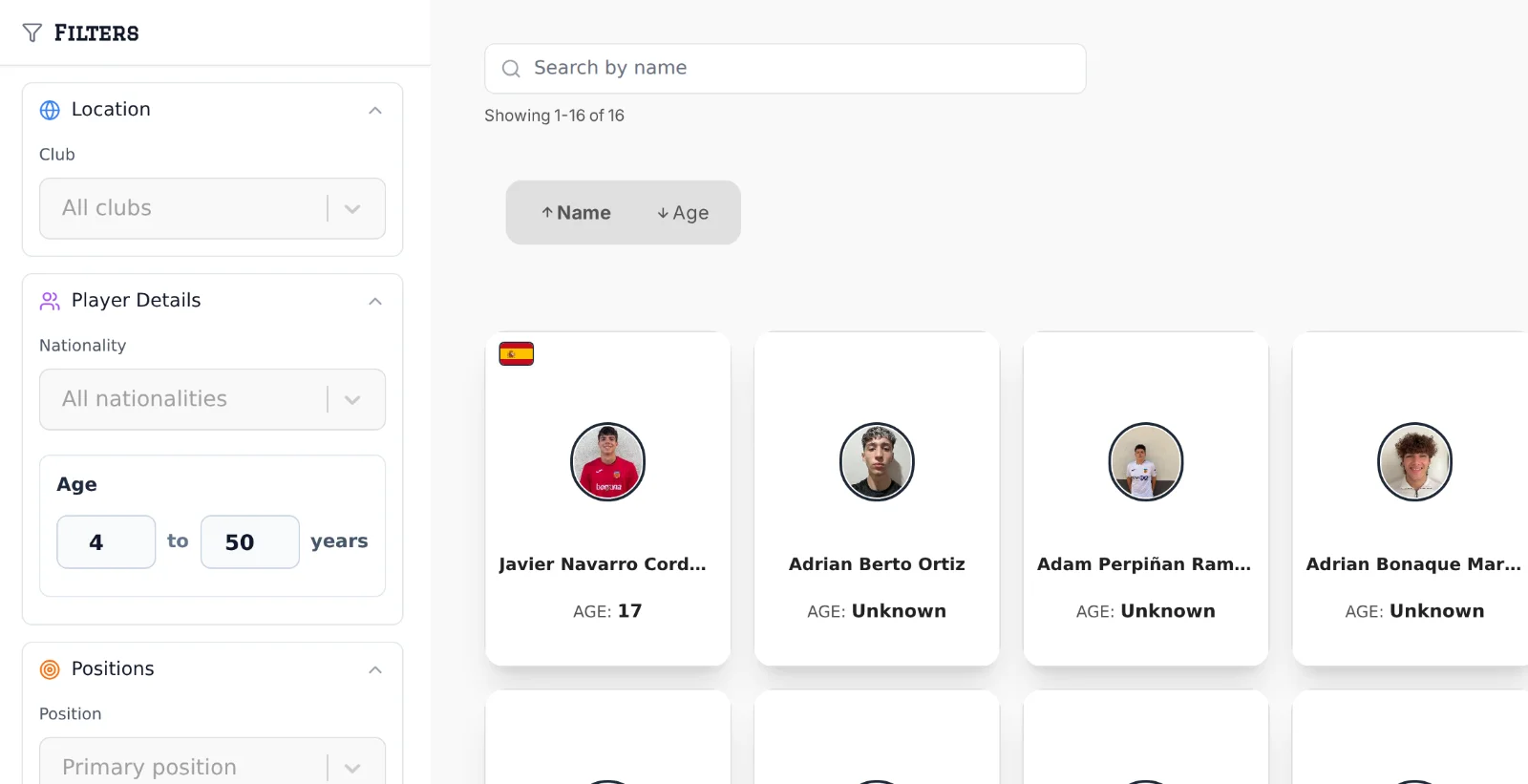
Club sports management
Access squads by season and competition, view the coaching staff and find each team's recordings. From the calendar you can review matchdays, results and the available match reports.
See how it works for your club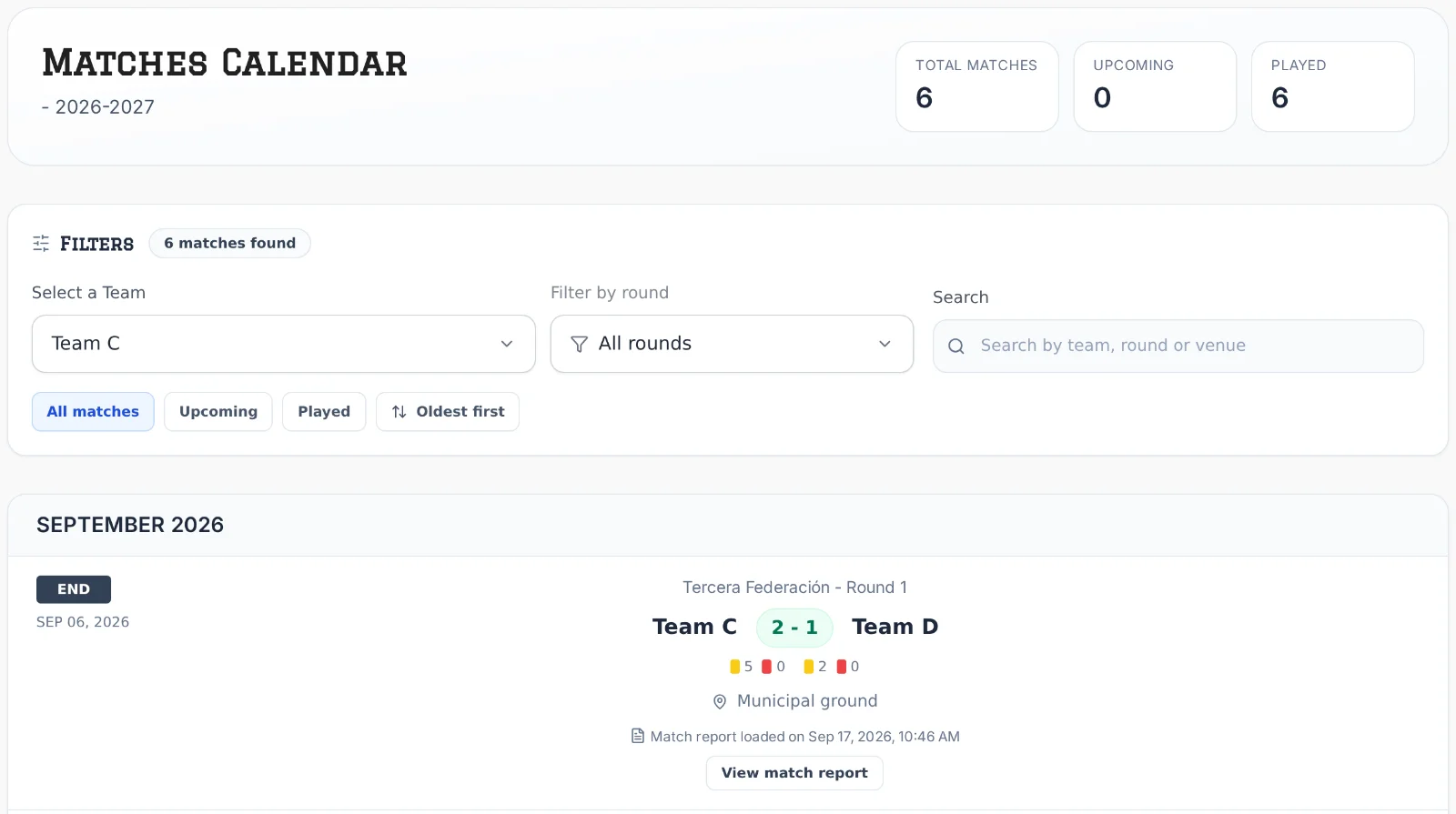
Wizard Live
Watch the matches being streamed right now and browse the recent streams available on Wizard. A way to bring the game closer to those who cannot be in the stands.
Ask our team about broadcasting options and the connection requirements for your ground.
Ask about live optionsOther sports
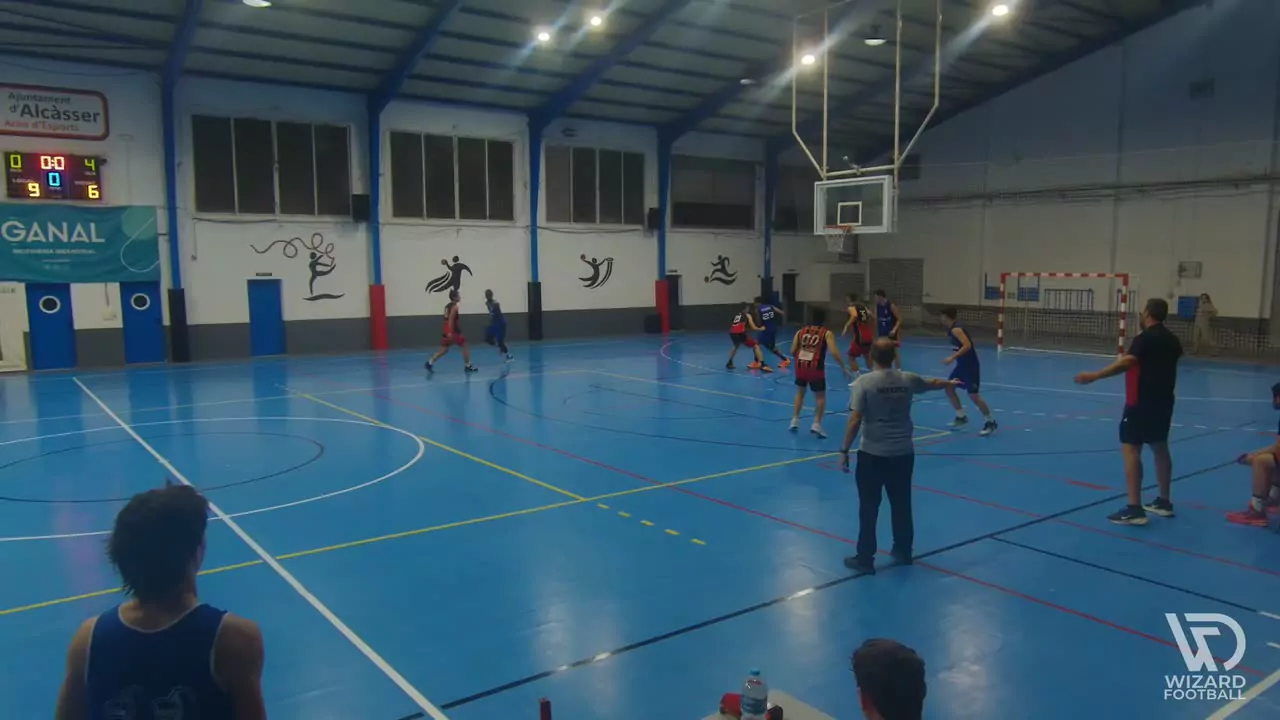
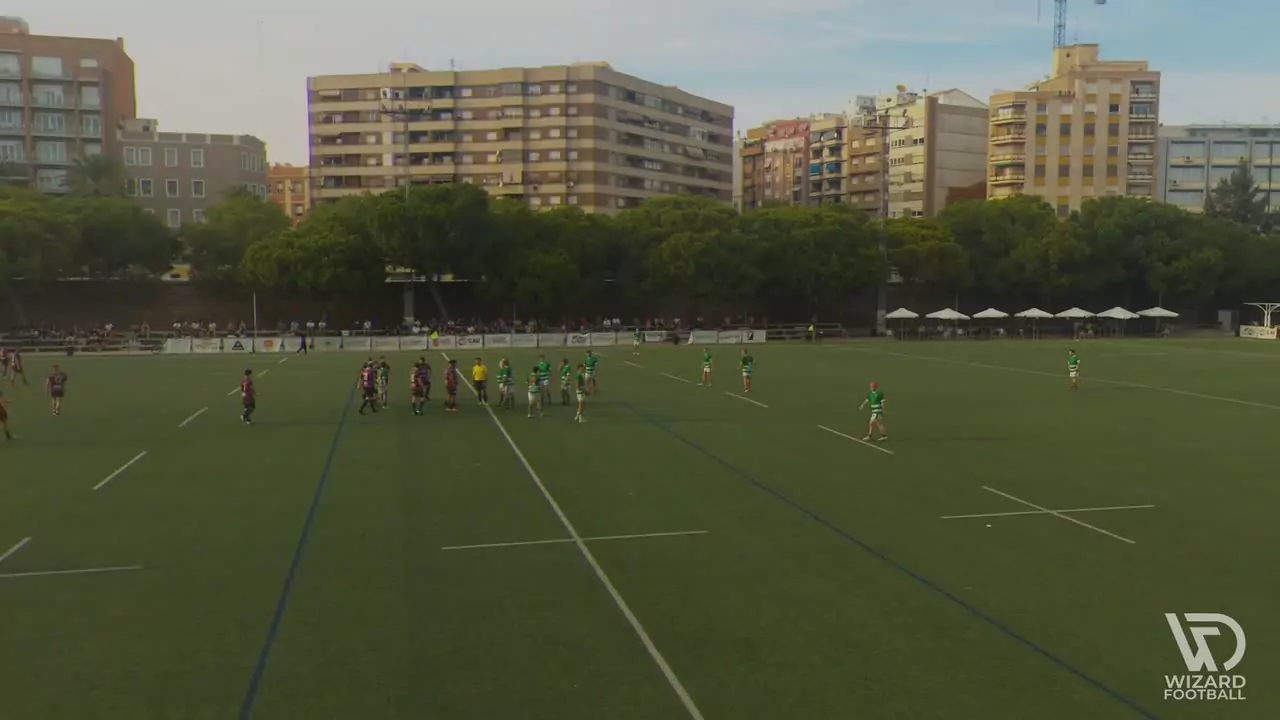
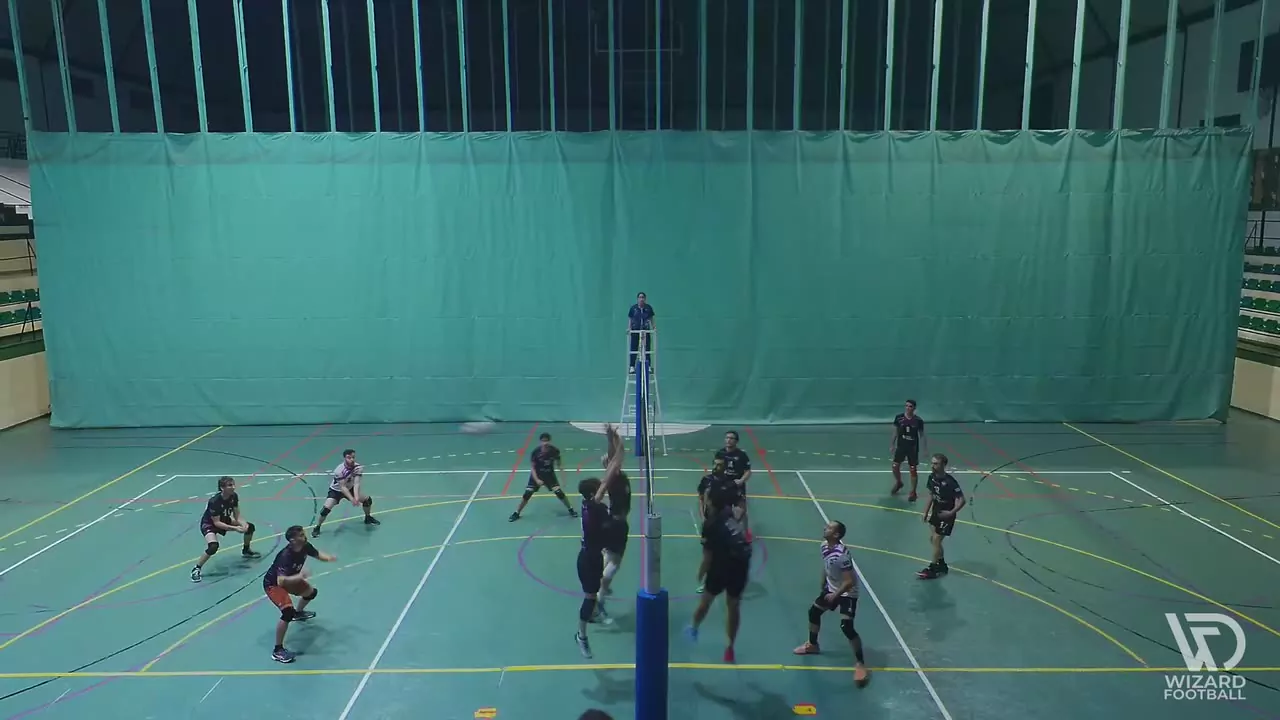
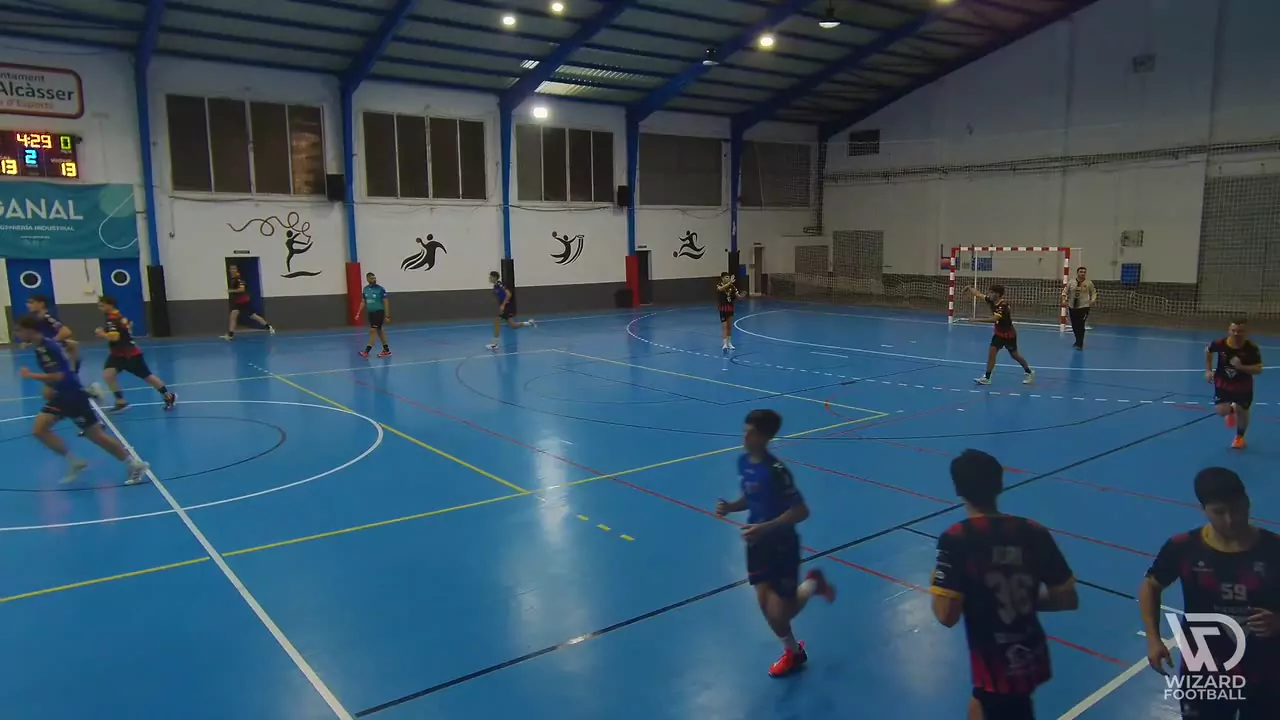
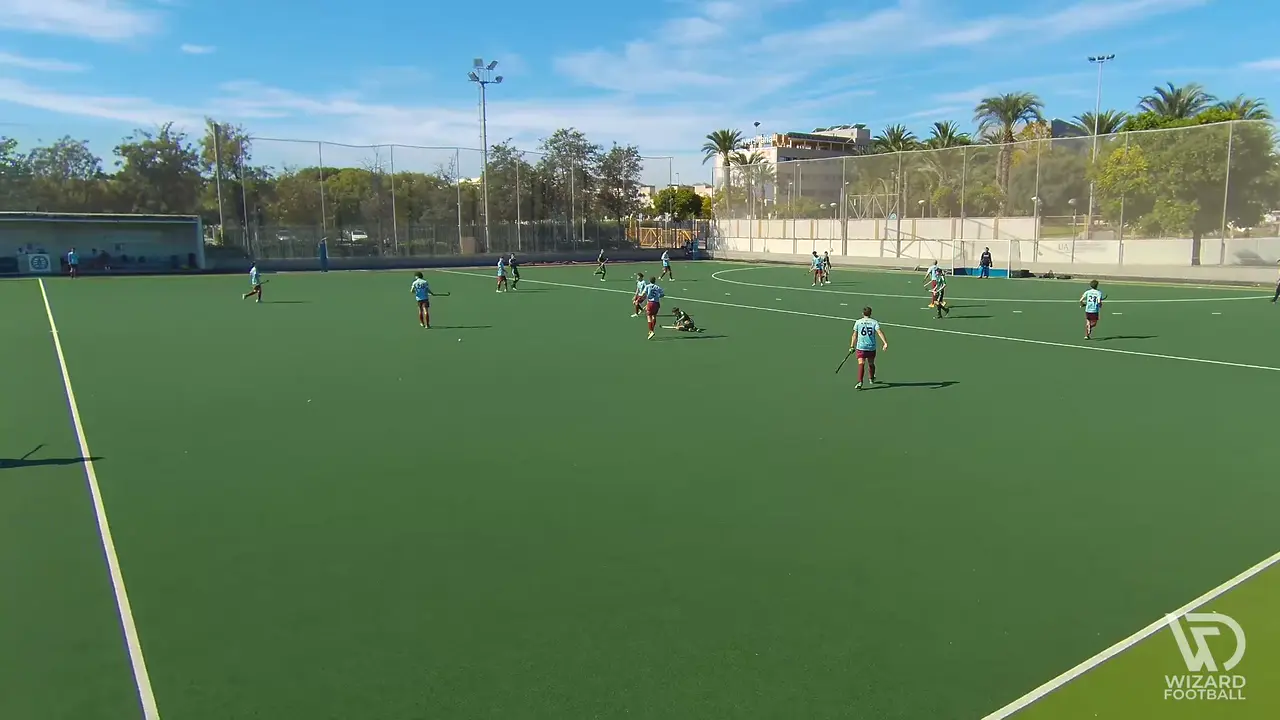
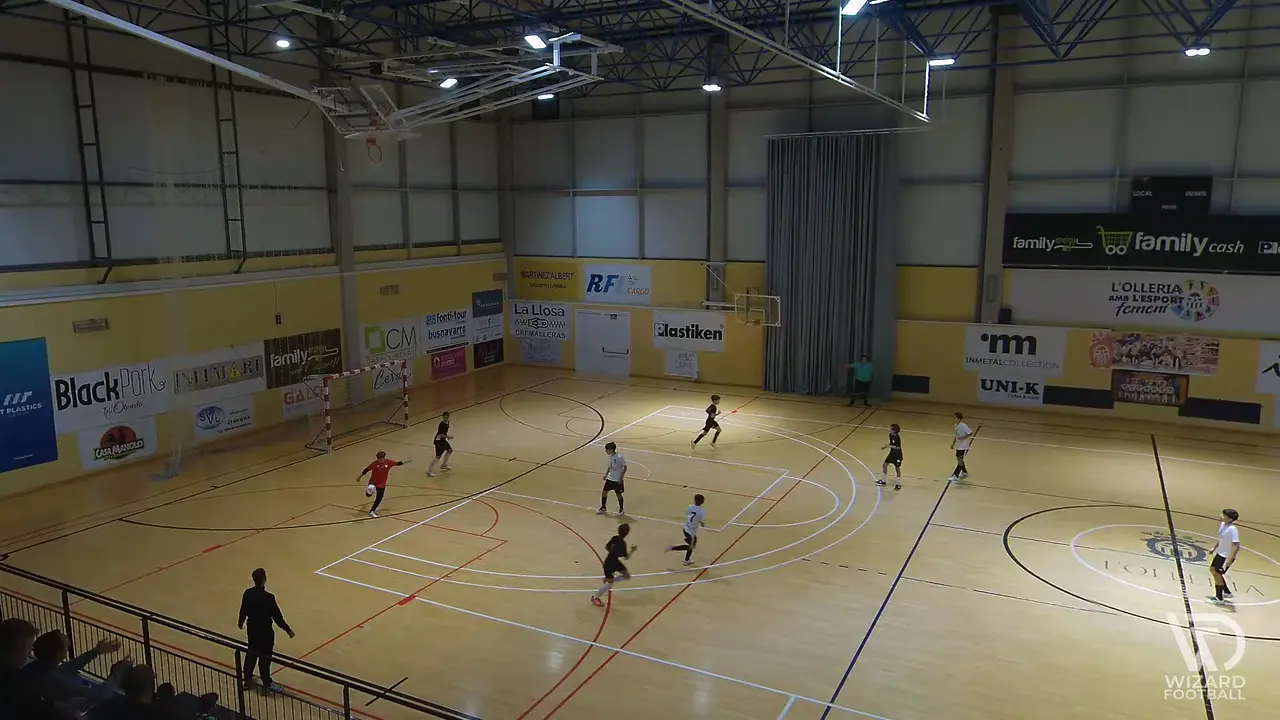
Alongside Wizard we are building Wizard Live, a service to record and stream any sport with the same Wizcam: basketball, rugby, volleyball, handball, field hockey, futsal and more.
Coming soon
These features are in development. We'll add them to Wizard as they become ready. If any of them matters to your club, tell us in the demo.
Identifying match actions to speed up clip creation.
Visualising pitch occupation and player positions.
Experiences with Wizard
Hear about their experience with recording, reviewing matches and using video in the club's activity.
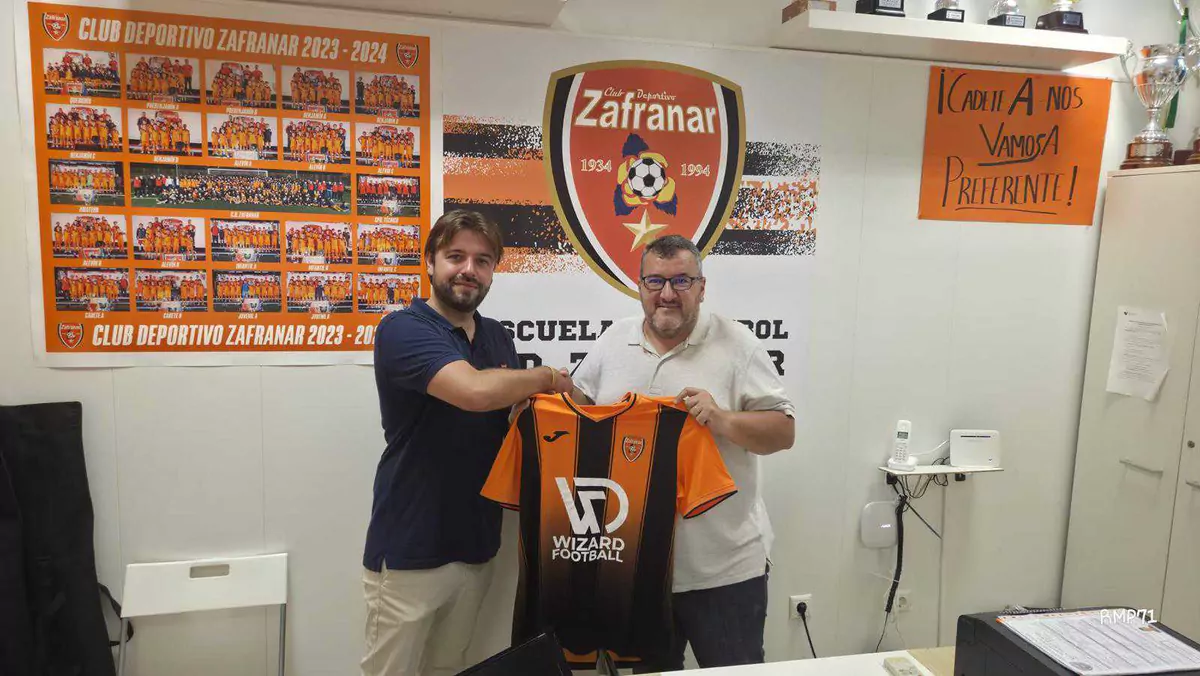
 Óscar SaezPresident · C.D. Zafranar
The Wizard has definitely enhanced my viewing experience.
The quality of the live streams is impressive. I appreciate the detailed statistics and insights available on the platform. The Wizard has definitely enhanced my viewing experience.
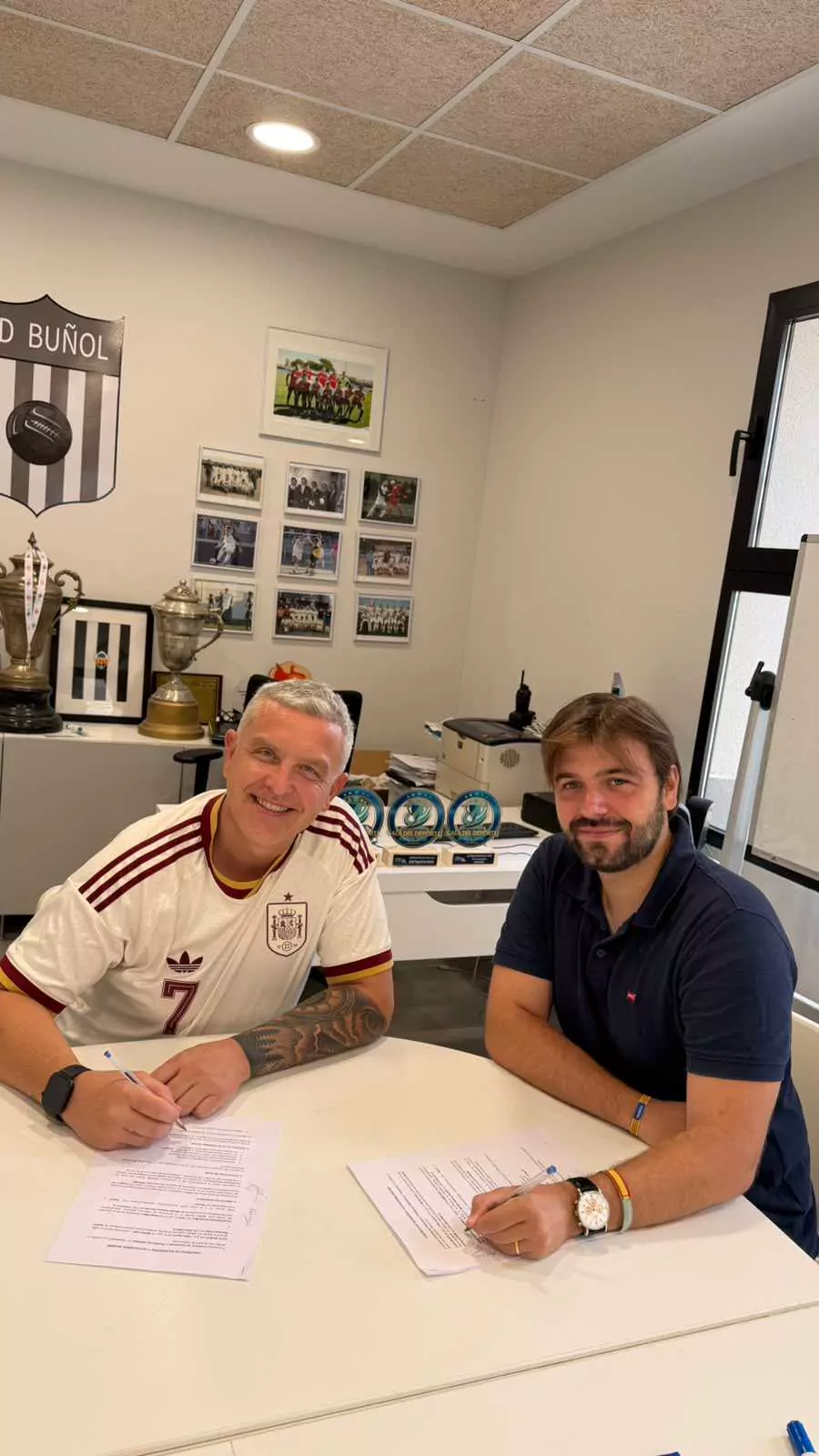
 Nikolas GalarzaPresident · C.D. Buñol
Every club match is recorded with nobody behind the camera.
Since we started working with Wizard, every C.D. Buñol match is recorded without anyone having to look after the camera. Our coaches plan their sessions with the videos and families follow their kids from home. For a club like ours it has been a real step forward.
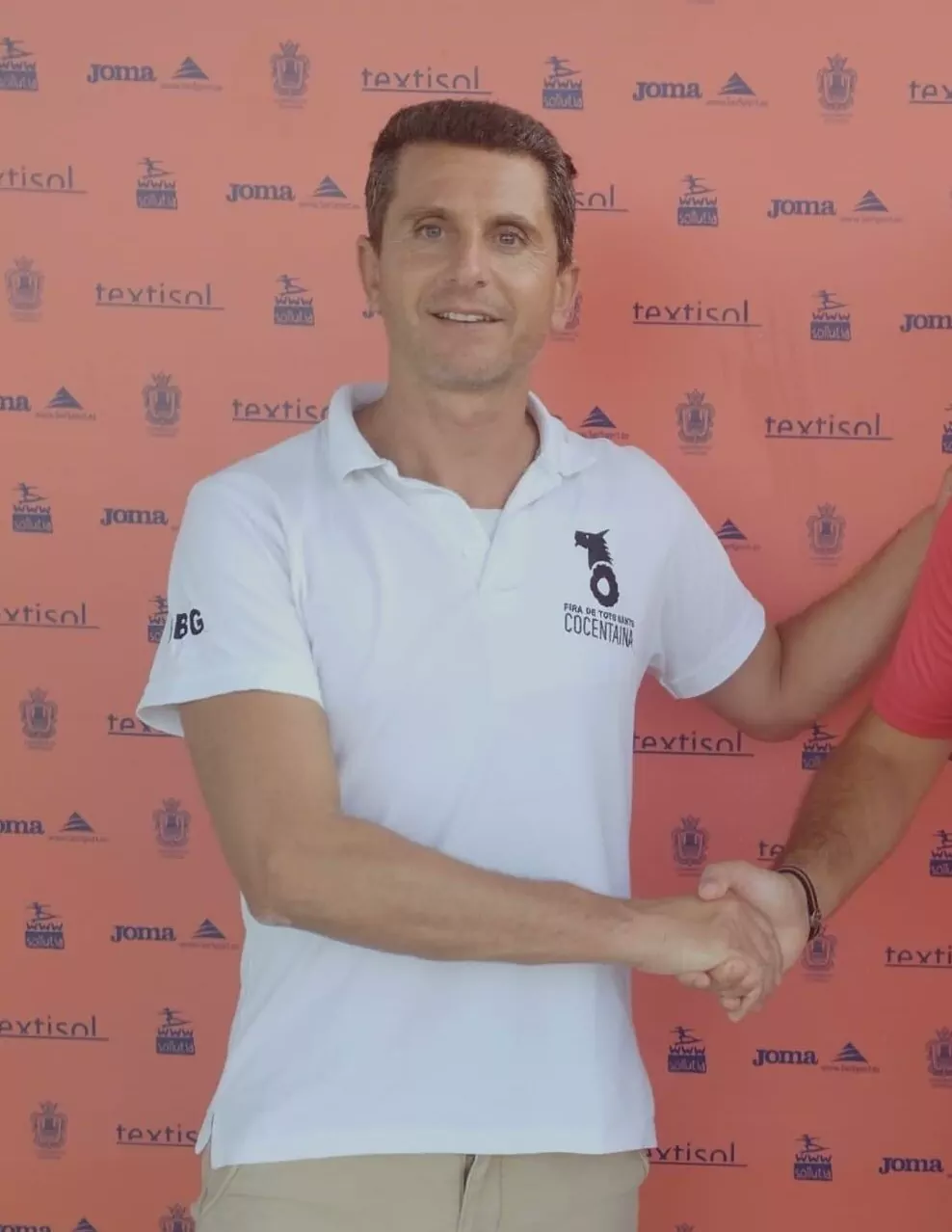
 Gustavo BaenaPresident · C.D. Contestano
The recordings are of good quality.
I must say that my experience recording our club's matches using the Wizard Football camera has been very satisfactory. The recordings are of good quality, and we've been able to input a lot of data about our players and other concepts into the app, which has helped us develop the season.
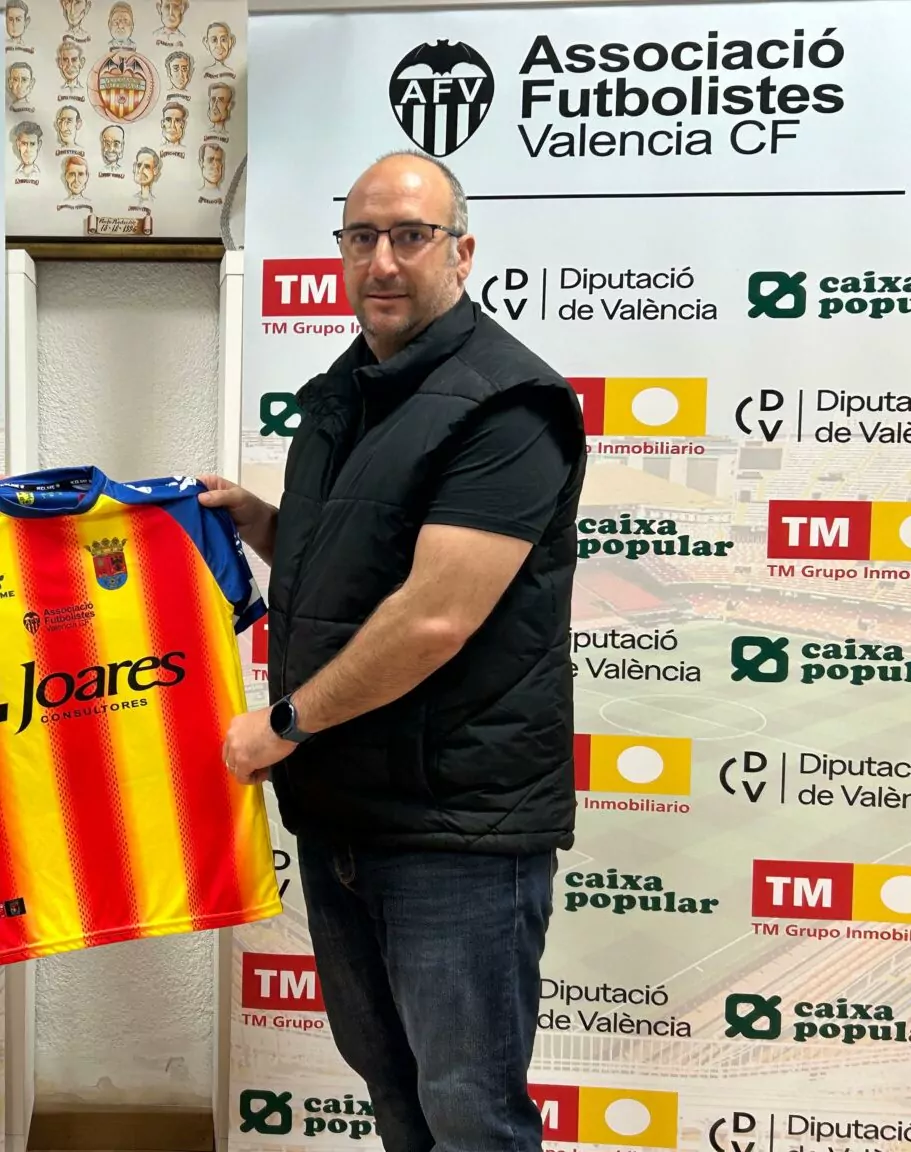
 Julio PerisPresident · U.D. Mancomunitat
Being able to watch live games on my phone is a huge plus.
I love how easy it is to use the Wizard. The mobile app is intuitive, and being able to watch live games on my phone is a huge plus. Uploading and reviewing matches on the platform is a breeze.
FAQ
It is a platform that brings together match video, analysis tools, sports profiles and competition information. It lets you work with teams, review plays and look up player and coach profiles from a single environment.
For clubs, players and coaches. Each profile has different needs; we help you identify the right tools and access conditions for your case.
You can review the match in panoramic or interactive view, adjust the playback speed, create clips and draw on the image to explain actions and tactical situations.
While you review the match, you can create a clip and classify it by type of action. You can also assign it to a player or save it as club content.
The profile brings together sporting information, clips, matches with video and statistics from the available official match reports: call-ups, starts, minutes, goals and cards. It also includes a player CV option.
Yes. The platform has search tools and filters. In the player search you can search by name and narrow results by club, nationality, age and positions. The coach directory lets you browse and filter the available profiles.
You can look up matches by team and matchday, tell played fixtures from upcoming ones, check results and access the available match reports.
No. Wizard works for every team in the club, from the youngest age groups up to the senior first team, men's and women's alike, in both 11-a-side and 8-a-side football. Tell us which competition and format you work in and we will review the right set-up.
No. Wizcam works with AI: it records the whole pitch in panoramic view and follows the play automatically. The whole process is automatic, with nobody behind the camera.
Yes. The recording is stored on Wizcam, but you must sign in to the app with an Internet connection before connecting your phone to the camera. To upload the video afterwards, Wizcam needs a wired network connection or a SIM with data.
No. The upload is started from the app: connect Wizcam to the Internet, select the recording and tap “Upload”. The platform then processes the video before it becomes available.
Once the upload and processing have been completed. The time varies with the length of the match and the connection, so a specific availability time cannot be guaranteed. However, you will get a notification as soon as the match has been uploaded and processed.
Wizard has a section for current and recent broadcasts. Ask our team about the broadcasting options and connection requirements for your case.
Club accounts are set up by the Wizard team. Contact us to find out about the onboarding process.
Public sign-up lets you choose a player or coach account and link it to a profile at a club that already uses Wizard. If the club or the profile does not appear, check with your club.
The process asks for the legal guardian's details and the account is managed with the guardian's email address. The sign-up guide explains the steps and the information required.
The sign-up process shows the applicable subscription and its price before payment. The subscription depends on the type of plan the club has taken out; in certain cases, its coaches may have access at no cost.
Access depends on the type of account and the available settings. Check the terms of use and visibility before sharing content.
The offer depends on the equipment, services and type of access you need. Request information to find out the conditions that apply to your case.
Request a demo
Tell us whether you are a club, a player or a coach, and what you need. We will show you the tools most relevant to you and explain how to get started.
A personalised demo, with no obligation.
You can also write to us at info@wizardfootball.com.